Introduction
Ever wondered how websites react instantly when you click something?
Let’s build a small fun feature — changing the background color of a page with just one click. Simple, clean, and very beginner-friendly!
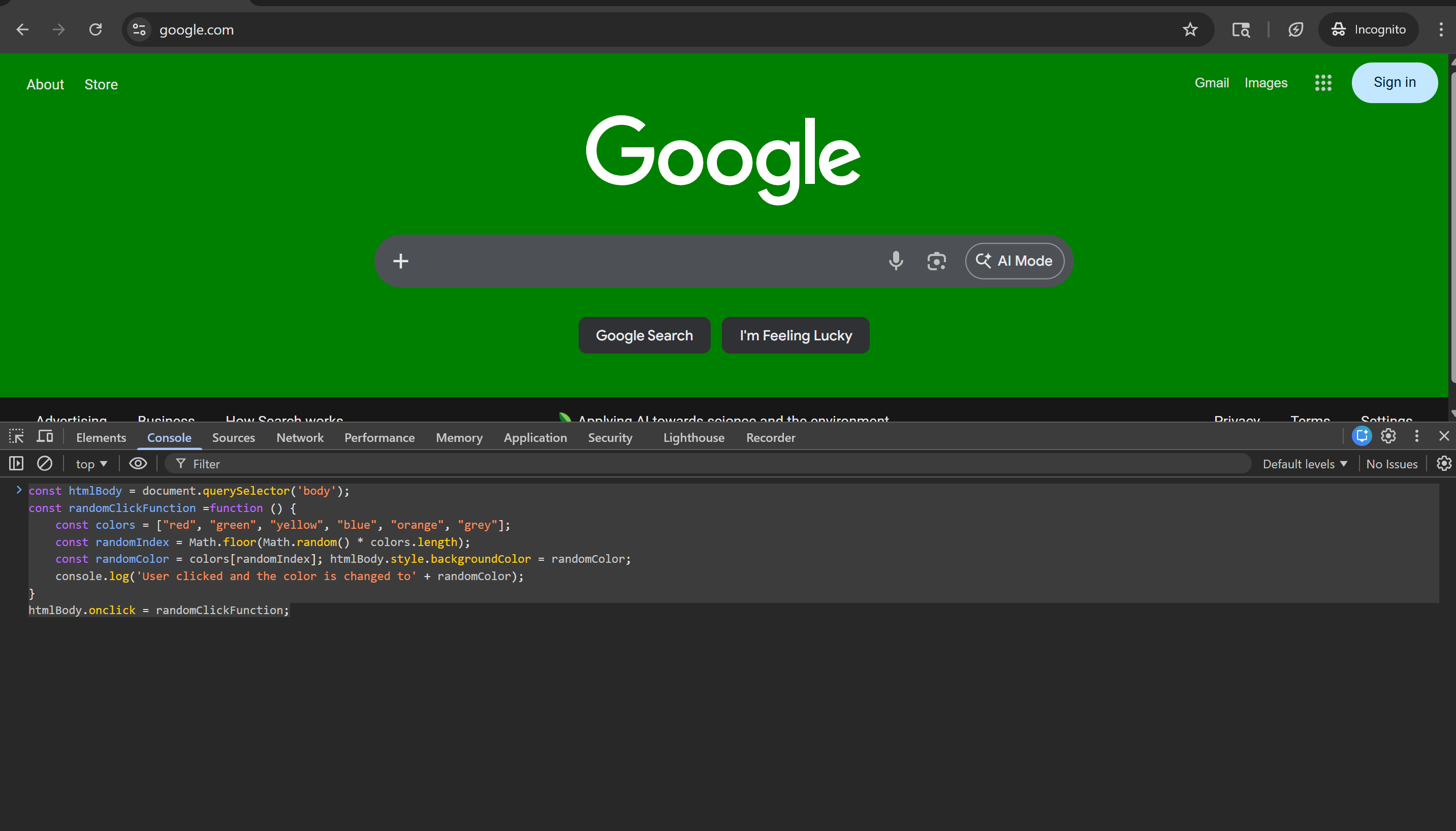
What This Code Does
This code listens for a click anywhere on the webpage.
Whenever you click, it randomly changes the background color of the page.
Code Explanation
const htmlBody = document.querySelector('body')Here, we are selecting the <body> element of the webpage.
This is the main container of everything you see on the page.
const randomClickFunction = function () {We are creating a function that will run whenever the user clicks.
const colors = ["red", "green", "yellow", "blue", "orange", "grey"];This is an array of colors. The background will change to one of these colors randomly.
const randomIndex = Math.floor(Math.random() * colors.length);Math.random() gives a random number between 0 and 1. We multiply it by the number of colors. Math.floor() converts it into a whole number (index).
const randomColor = colors[randomIndex];Using the random index, we pick a color from the array.
console.log('User clicked and the color is changed to' + randomColor);Logs the selected color in the browser console. Helpful for debugging and learning.
htmlBody.onclick = randomClickFunction;This attaches the function to the click event. Every time the user clicks, the function runs.
Final Code
const htmlBody = document.querySelector('body');
const randomClickFunction =function () {
    const colors = ["red", "green", "yellow", "blue", "orange", "grey"];
    const randomIndex = Math.floor(Math.random() * colors.length);
    const randomColor = colors[randomIndex]; htmlBody.style.backgroundColor = randomColor;
    console.log('User clicked and the color is changed to' + randomColor);
}
htmlBody.onclick = randomClickFunction;